 14
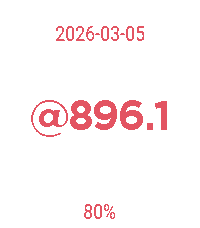
14@beat
Tools & UtilitiesInitial release of an old Pebble app that I never got around to publishing when Pebble was now, but now that we are here for round 2 I'm inspired to share what I have. Very basic implementation of a Beat clock focusing on simplicity and a large font size.
 13
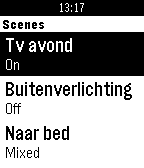
13Pemoticz
RemotesControl your Domoticz-system from your wrist. Feel free to donate: - PayPal: http://www.paypal.com/cgi-bin/webscr?cmd=_donations&business=erik%40csw%2enl&lc
 13
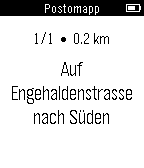
13Postomapp
DailyThe Postomapp App allows a user to search nearby postomat ATMs in Switzerland. The user will be able to choose between a step-by-step description or a mapp, to find the ATM.
 13
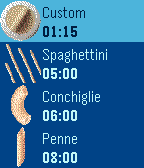
13Pasta Timer
Tools & UtilitiesFor all pasta lovers: perfect "al dente" cooking time is now on your wrist. Predefined cooking time for most common pastas or set your own timer. For egg addicts, see my egg timer :-)
 13
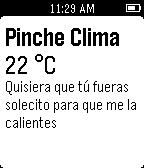
13Pinche Clima
DailyPincheClima es una aplicación que te mantendrá informado acerca del pinche clima, nuestra intención es solo sacarte una sonrisa y que averigües que tan jodido será tu día.
 13
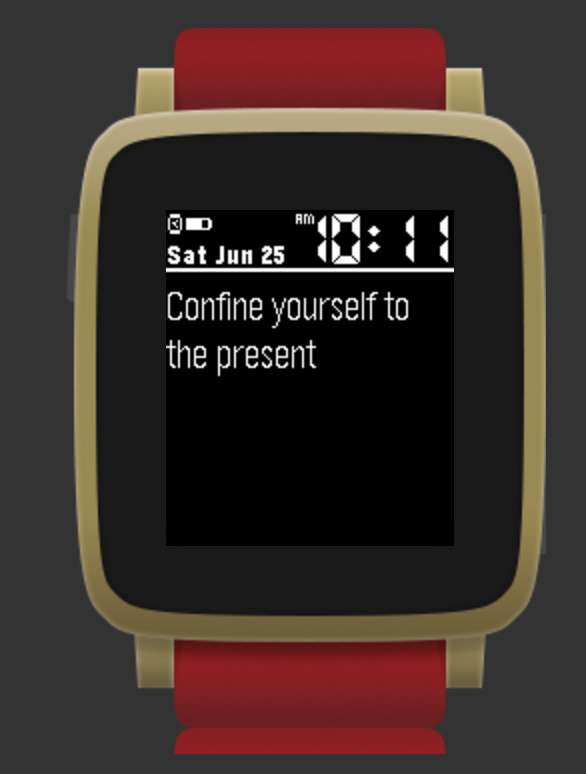
13Karma Yoga Quotes
DailySayings from Buddha, Gandhi, Einstien, Gita and other enlightened souls
 13
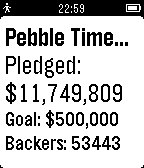
13BackerNews for Pebble
DailyFollow the progress of any live kickstarter project. Flick your wrist and get the current amount pledged, goal and numbers of backers of a given project.
 13
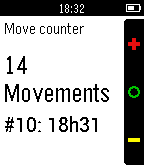
13Baby move counter
Tools & UtilitiesBaby movement counter for the 35-week onwards pregnacy. Remembers: - at what time #10 fetal movements where reached - how many fetal movements accumulated by 9pm. If you set it up on UP-quicklaunch button only 2 button presses needed per movement. Will auto-exit after 15 seconds.
 13
13BIG REDD
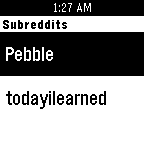
DailyView the latest reddit headlines from your favorite subs in the largest way possible for easier legibility. I found a lot of type hard to read with other news reader apps, so this is my attempt to make my own. It is very simple as it just gets the headlines, other apps can be found with more features. This is just what works for me and i thought i would share. If you have interest in more features please reach out to me and i will try to add.
 13
13Earthquake!!
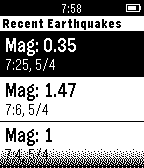
DailyA Watchapp that shows the newest earthquake information ranging from N30 to N45, W112 to W130 (California and its surrounding areas). The data is from USGS 1. Shows the newest 6 entries 2. Updates every 5 minutes(You have to leave the app open) 3. If there is any new earthquakes, you receive a double-vibration notification 4. Shows the distance between you and the earthquake
 13
13Vera Home Control
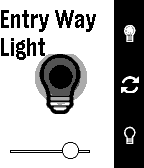
RemotesAllows control of lights, sensors, scenes, and energy monitors controlled by a Vera controller. New updates soon to allow control and access of even more. Long press up/down to immediately turn dimmable lights completely on or off.
 13
13Device Lab Locator
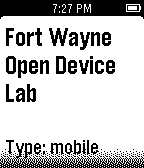
DailyLooking for an Open Device Lab to test your web site or mobile app. Now you can easily locate the closest Open Device Lab with your Pebble Watch!
 13
13Driver Timer
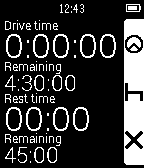
Tools & UtilitiesDriver Timer keeps track of your HGV driving hours for UK truck/lorry drivers. It should also be compatible with other countries that adhere to the EU Driving Laws. As of version 1.1, the application now supports EU domestic rules too for van drivers etc. This option can be enabled in the settings page. This app is very basic and only keeps track of driving hours on a daily basis. It has vibration alerts for when you are getting close to approaching your driving rest periods. I made this app as part of my dissertation project for my university degree and I would appreciate any and all feedback. It is based on the original code from https://github.com/Katharine/pebble-stopwatch
 13
13MOL Bubble - MOL Bubi for Pebble
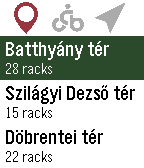
Tools & UtilitiesUnofficial Pebble app for MOL Bubi, the Budapest public bike-sharing system. It lists the docking stations, closest first, showing the distance, number of available bikes and the total number of racks for each. By selecting a station (using the select button), the approximate distance and direction are displayed, conveniently guiding you to the station. Works in Budapest, Hungary only.
 13
13Scubawatch
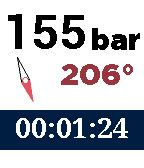
Health & FitnessA companion to scuba divers. This app can help you time your dives, and record your air consumption and compass heading. Simply press the up and down buttons to change the air pressure, and it will be recorded and time-stamped. To record the compass heading, press the middle button. You can see a log if you long-press on the select button. To reset the timer and clear the log, double-press the select button. Every five minutes it will vibrate to remind you to log the air pressure.