Simple Slide
Hithesh Reddivari
⚠️ This app's companion app may not work or load anymore


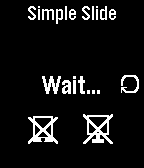

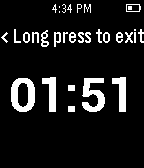
Description
Easily control presentation slides on your Windows, Mac or Linux computers (64 bit) just using your Pebble watch.  It also displays elapsed time.
Using this app is simple.
1. Turn on Wi-Fi hotspot on your phone and connect your computer to it.
2. Start app on your phone and then start program on your computer.
3. When ever you are ready to start presenting just press start on your pebble. UP to go FORWARD and DOWN to go BACKWARD.

You will need:
1.Computer program. Please download it here: www.hithesh.me/simpleslide
2.Of course an Android Companion app.
- DeveloperHithesh Reddivari · Is this you? Claim your app ›
- CategoryRemotes
- PlatformsOG Pebble, Steel, Time/Time Steel, 2, 2 Duo, Time 2 (scaled)
- Updated2015-06-15
- Version2.0