 42
42Theft Alert
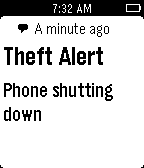
RemotesThis app notifies your Pebble if some one tries to steal your phone. It is highly useful when you are charging your phone in public places or anytime when you must leave your phone unattended. The watch app is optional but makes it easier to start and stop the theft security service on the phone.
 9
9Simple Slide
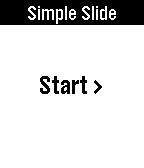
RemotesEasily control presentation slides on your Windows, Mac or Linux computers (64 bit) just using your Pebble watch. It also displays elapsed time. Using this app is simple. 1. Turn on Wi-Fi hotspot on your phone and connect your computer to it. 2. Start app on your phone and then start program on your computer. 3. When ever you are ready to start presenting just press start on your pebble. UP to go FORWARD and DOWN to go BACKWARD. You will need: 1.Computer program. Please download it here: www.hithesh.me/simpleslide 2.Of course an Android Companion app.
 15
15Crisis
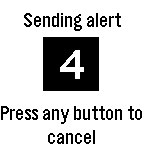
DailyThis app detects impact of fall or crash using Pebble Acceleration sensor. After 15 seconds it sends pre-selected contacts an emergency message along with your location. This app thus has various applications like 'elderly fall alert' and 'car crash alert'. In clock mode you can also send emergency SMS by just pressing the select button.
 44
44MagikSlide
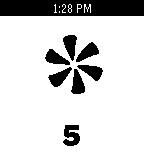
RemotesThis is a presentation app. You have to install the phone app for it. Once your phone is connected to your computer, press the middle button to start the app. Then, you can change to the next slide by shaking your watch or pressing the 'up' button. To go back to previous slide press the down button. It shows next animation and the slide number. An 'i' means internal. Happy Magical presenting