





QRBuddy for Pebble
Tyler Ouyang
25
Watchapp



Description
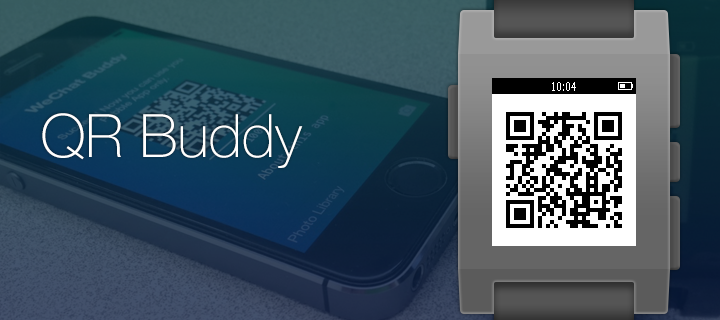
Show your QR code on your wrist in a second.

1. Install iOS app 'QRBuddy for Pebble'
2. Install Pebble Watchapp 'QRBuddy for Pebble'
3. Save your QR code to your Photo Library, or you can take a picture of it through the iOS app
4. Launch the iOS app, and the Watchapp will be launched automatically
5. Choose your QR code from "Photo Library" by clicking the button at the lower left conner
6. Wait until the QR code is transferred
7. Now you can use your Watchapp only
8. To access the 'QRBuddy for Pebble' quickly, set 'Quick Launch' by long pressing either the up or the down button and choose WeChat Buddy
- DeveloperTyler Ouyang
- CategoryTools & Utilities
- PlatformsPebble Time/Time Steel, Pebble 2, Pebble 2 Duo, Pebble Time 2 (scaled)
- Updated2015-10-04
- Version1.3