PhotoWatch
TomHol
Watchface
Description
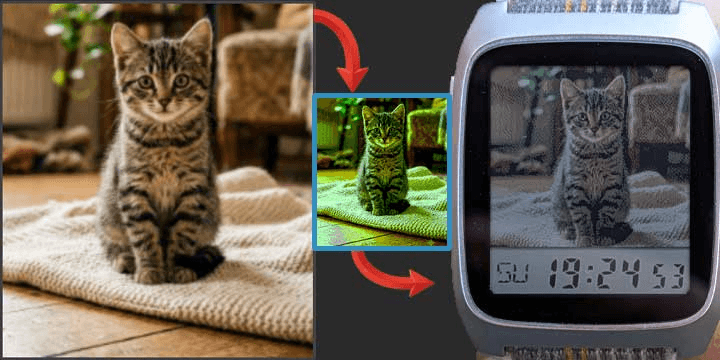
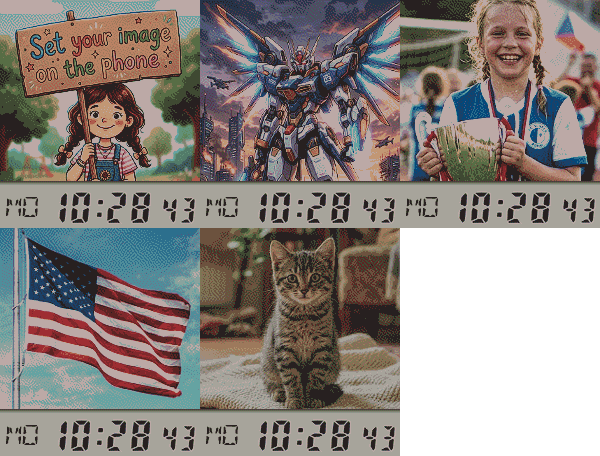
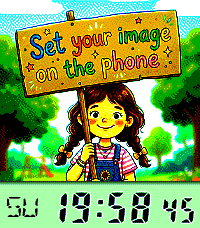
A watchface that lets you use any photo you want and gives you all the tools to make it look perfect on the Pebble's e-paper display.

Use Any Image: Upload a photo from your phone or paste a URL from the web.
Advanced Image Tuning: Directly in the config page, you can adjust brightness, contrast, saturation, gamma, and sharpness to get the most out of every picture.
Live Preview: All your changes are reflected instantly in a "Real Pebble View", including the time overlay, so you know exactly what you're getting.
"Auto-Fix" Magic Button: Not sure about the settings? One click will try to automatically optimize the image for you.
Multiple Time Styles: Choose whether you want the time bar at the top or bottom, and whether it shows seconds (fast refresh) or the date (per minute refresh).
Save Your Presets: Found the perfect setup for a photo? Save the entire configuration (image, position, and all adjustments) into one of five preset slots to load it back anytime.
- DeveloperTomHol
- CategoryFaces
- PlatformsTime 2, Round 2
- Updated2026-07-27
- Version1.0.6