Note To Self
Turner Yey
Watchapp

Description
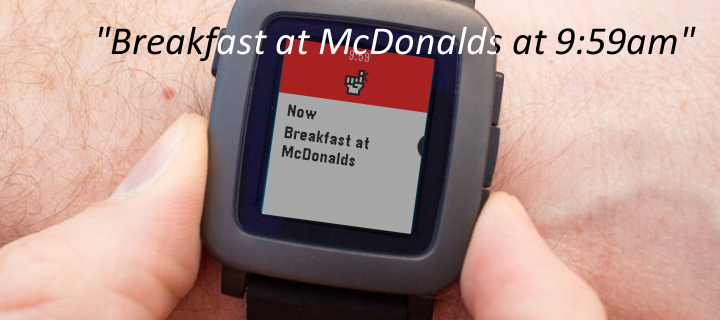
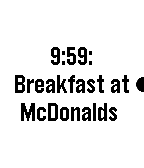
Add (future) reminders and (past) notes to your watch timeline using the microphone.

HOW TO USE:
Add reminders by saying:

"Remind me to go swimming at 4pm"
"Swimming lesson in 2 hours and 15 minutes"
"At 4 o'clock go swimming"
"Swimming at 4 tomorrow"

Add past and current notes by saying:

"Note that I left home at 8am"
"I took my pills 5 minutes ago"
"Just fed the parking meter"

The key to determine whether an event is in the past is if the sentence starts with "Note", or if the word "ago" proceeds the time like "1 minute ago", or if no time exists.

Undo the last event added by saying:

"Cancel that"
"Cancel last"
"Undo"

NATURAL LANGUAGE:
You can also use natural language like "remind me at 4:30 to buy tickets" or you can use concise language like "buy tickets at 4:30". Both will result in the text "buy tickets" in your timeline set at 4:30.

DESIGN:
This app is designed to be used with minimal interaction. After speaking your command, it will be added to the timeline immediately without requiring any confirmation buttons to be pressed. If the command was successful, the watch will give off a double vibration. If an error occurs, it will give off a long vibration.

RESPONSIVENESS:
Events on the timeline may take up to 15 minutes to show up.

MISC:
All events are pushed to your Pebble timeline and not saved elsewhere.

If you set the app as as a quick launch shortcut, it closes the app after the event is added.
- DeveloperTurner Yey · Is this you? Claim your app ›
- CategoryTools & Utilities
- PlatformsTime/Time Steel, Time Round, 2, 2 Duo, Time 2, Round 2 (scaled)
- Updated2016-11-03
- Version1.11