MultiCounter Decimal
Cody Doremus
Watchapp
Description
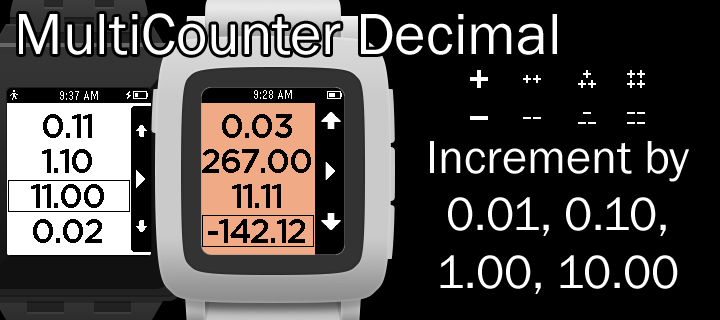
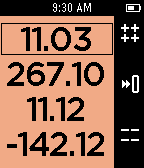
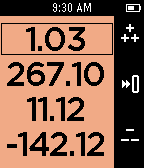
People are bad at remembering numbers. Pebble is good at always being on and displaying numbers. Use this app to count and remember up to 4 decimal numbers at a time. Don't worry about leaving to do something else with your watch, it will remember where you left off the next time you return.

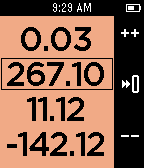
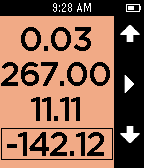
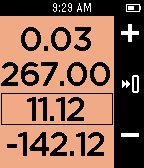
Use the right buttons to select which number to modify. Once you are modifying a number press the select button to switch between counting by 0.01, 0.10, 1.00, or 10.00. If you count high enough (or low enough) your number may run off the screen.

Hold down the increment button or decrement button to count really fast or press and release to get a single count.

Hold down the select button to reset the count to 0.

Press the back button to return to selecting your number.

Like all my apps, I don't want you to loose your phone so you will get a short long short vibration if your bluetooth is disconnected. An icon will show in the top left corner.

Heart MultiCounter if you like it and check out Timeline and my Precisioneer watchfaces. I appreciate the hearts on those too!

Counter
- DeveloperCody Doremus · Is this you? Claim your app ›
- CategoryTools & Utilities
- PlatformsOG Pebble, Steel, Time/Time Steel, 2, 2 Duo, Time 2 (scaled)
- Updated2015-12-05
- Version1.0