Draw - Sketch on your Wrist!
SeaPea Software
Watchapp
Description
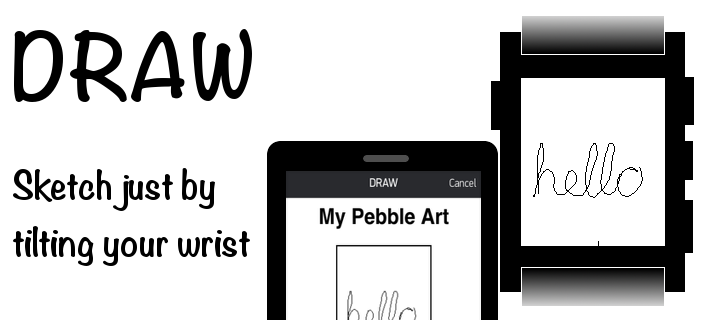
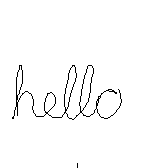
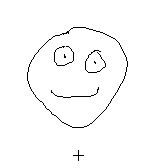
Draw just by tilting your wrist!

Note: Currently not compatible with Pebble Times. Working on fixing this and adding color.

Send the drawing to your phone without sending anything to a server or needing a companion phone app.

View the drawing on your phone by going to the 'Draw' app settings in the Pebble phone app. (Only tested with iPhone)

iPhone users - To save, copy, send the image:
1) Hold down on the image in the 'Draw' settings in the Pebble phone app and tap Copy
2) Create a new note in the Notes app and paste into the note
3) Tap Done and then hold down on the pasted image, which will let you save, send, copy the image from there.

- 1st Shake of Pebble: While not drawing, undo last pen stroke
- 2nd Shake of Pebble: While not drawing, undo the undo or clear the image based on setting
- Up Button: Re-center cursor
- Select Button: Click to toggle 'pen' on/off, Hold for 2 seconds for Eraser
- Down Button: Actions & Settings, including send image to phone
- DeveloperSeaPea Software · Is this you? Claim your app ›
- CategoryGames
- PlatformsOG Pebble, Steel, Time/Time Steel, 2, 2 Duo, Time 2 (scaled)
- Updated2015-03-01
- Version0.5