Zulu Timer
Control-J
Watchapp
Description
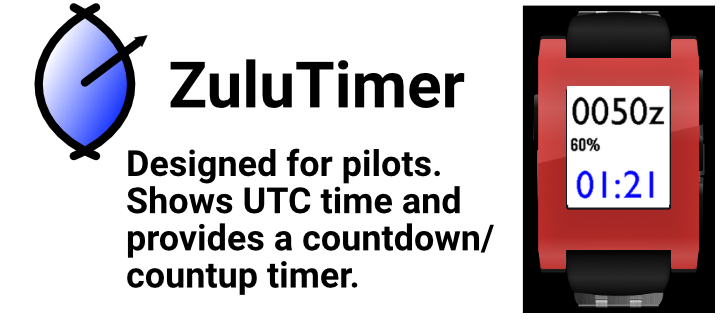
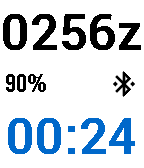
Designed for pilots, the  ZuluTimer provides UTC time (aka Zulu time) along with a countdown/countup timer. In countdown mode the timer vibrates in the last few seconds before zero, then starts counting up. On Pebble Time watches the color of the timer reflects down/up mode. Colors are configurable via the Pebble app.

The countdown preset is adjusted by using the up and down buttons while the timer is stopped. Pressing the select button starts and stops the timer. Long press on the up button at any time reloads the preset time and starts counting down. Long press on the down button sets the timer to zero and starts counting up.

If you navigate away, the app will continue to count in the background and will re-open and vibrate when the timer is about to expire.
- DeveloperControl-J · Is this you? Claim your app ›
- CategoryTools & Utilities
- PlatformsOG Pebble, Steel, Time/Time Steel, 2, 2 Duo, Time 2 (scaled)
- Updated2015-11-05
- Version1.5