YELLOWFACE
jae
Watchface
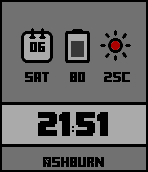
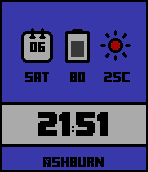
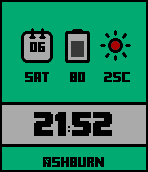
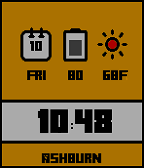
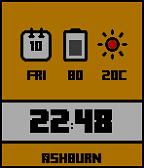
Description
When you select a 12-hour display will appear temperature in Fahrenheit units.

If you wish to Celsius display, please change the setting of the 24-hour display of Pebble time.

If you wish to reverse the above, Please use the YELLOWFACEf.

- REV 1.2 -
You can change the background color.
Background color can be selected blue, white, red, yellow, purple.

Background color is determined by the first letter of the time zone that was set before once.

B=Blue
G=Green
R=Red
M=Magenta
W=White
Y=Yellow  * default color.

please change the setting of the Timezone of Pebble time 2 time.

First time to determine the background color.
Second time is always of your time zone.

For example, if you select the America / Boston, the background color is blue.
- Developerjae · Is this you? Claim your app ›
- CategoryFaces
- PlatformsTime/Time Steel, Time Round, Time 2 (scaled), Round 2 (scaled)
- Updated2016-08-06
- Version1.2