X-Ray
SetPebble
Watchapp
Description
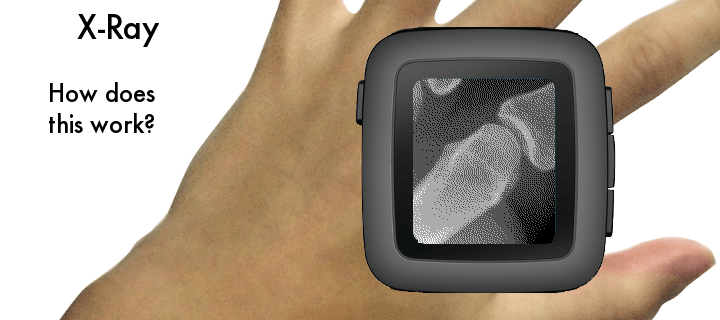
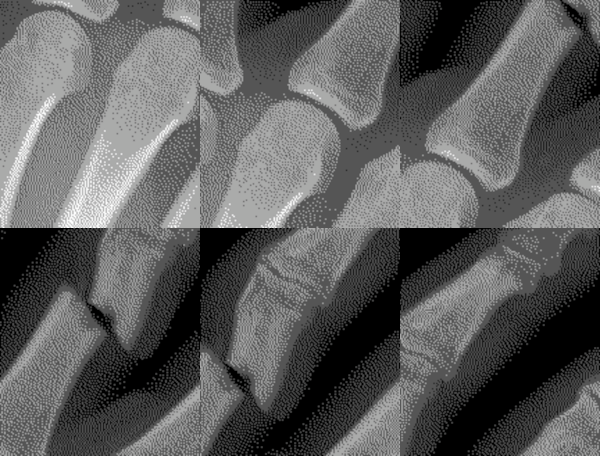
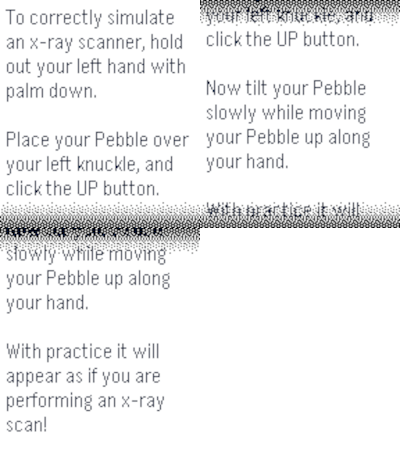
Place your Pebble above your left hand and start the x-ray scan. If you move your hand as you tilt your Pebble watch, it will appear as if you are viewing an x-ray.

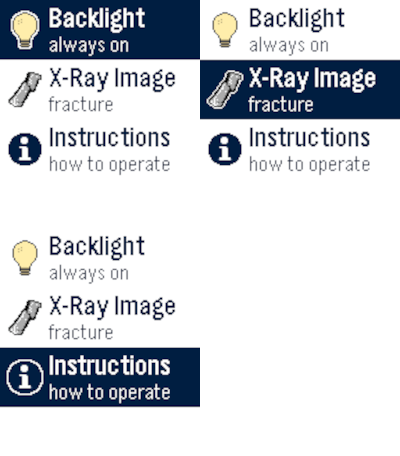
The up button starts the calibration or pauses the x-ray scan. The middle button shows the custom settings. Use the bottom button to exit the x-ray scan and return to the home screen.

Custom settings include keeping backlight on and whether or not you find a fracture in your finger!
- DeveloperSetPebble
- CategoryGames
- PlatformsOG Pebble, Steel, Time/Time Steel, Time Round, 2, 2 Duo, Time 2, Round 2
- Updated2026-08-17
- Version1.4