PowerPoint Presenter
WuerfelDev
Watchapp
Description
ONLY ANDROID

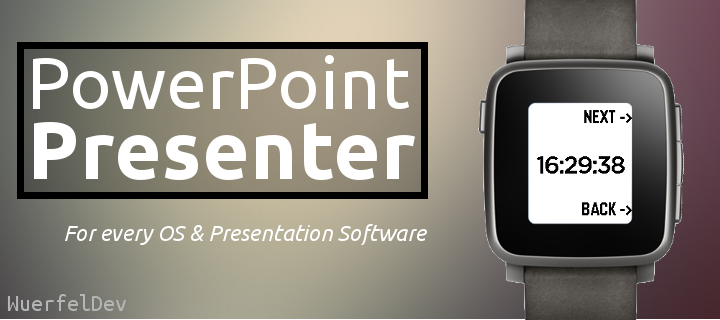
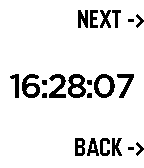
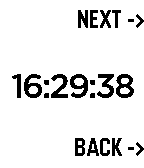
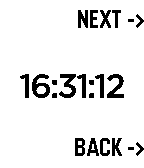
This watchapp lets you do the PC's PowerPoint/LibreOffice/OpenOffice -presentations NEXT and BACK functions. Additionally the time is displayed to have everything under control.

What is needed?
-your pebble
-a device where the presentation is on (PC)
-a USB cable
-your phone

This app works with all presentation softwares, which support left/right arrow for switching the pages: PowerPoint, OpenOffice or LibreOffice.


Download the companion app here: https://github.com/WuerfelDev/PPP/blob/master/android-debug.apk?raw=true


How it works:
Pebble to Phone (Bluetooth): NEXT
Phone to PC (USB): I am a Keyboard
Phone to PC (USB): press right-arrow key


IMPORTANT: You need a rooted phone (with OS and kernel) that supports 'hid-gadget-test'. Have a look here: https://github.com/pelya/android-keyboard-gadget#installation The app does the installation so you just need to make sure your phone got this kernel.

If you have Nethunter installed, you can directly run the app.
- DeveloperWuerfelDev · Is this you? Claim your app ›
- CategoryRemotes
- PlatformsOG Pebble, Steel, Time/Time Steel, Time Round, 2, 2 Duo, Time 2 (scaled), Round 2 (scaled)
- Updated2016-03-26
- Version1.0