Pal Basics
SetPebble
Watchapp
Description
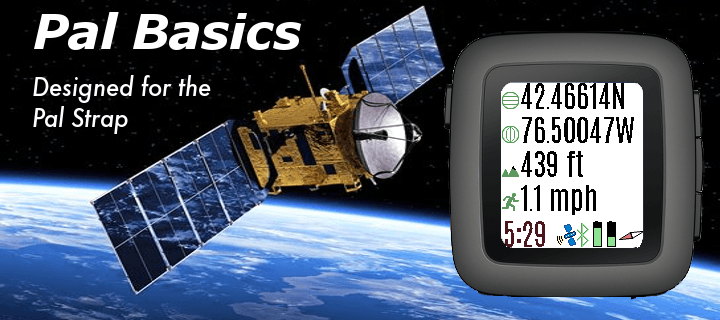
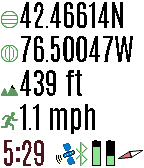
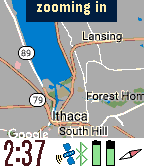
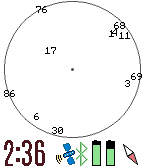
View the GPS satellites as seen by your Pal Strap. The top button switched between GPS location, a map of your area, a list of satellites, and the relative position of the satellites. A long press switches to the previous screen.

When viewing a map, press the bottom button to zoom in. A long press zooms out.

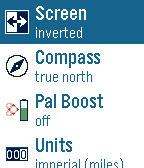
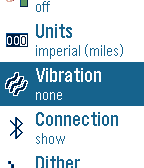
Press the select button for custom settings.

If you have trouble locking in the GPS location using your Pal Strap, first make sure your Pal Strap is working by using the app supported by the Pal Strap creators.

The Pal Strap is not designed for Pebble 2, but this app will work on the P2. If you do modify your Pal Strap for the P2, let me know!
- DeveloperSetPebble
- CategoryTools & Utilities
- PlatformsTime/Time Steel, 2, 2 Duo, Time 2 (scaled)
- Updated2017-07-05
- Version0.2