Liveblog
Thomas Suarez
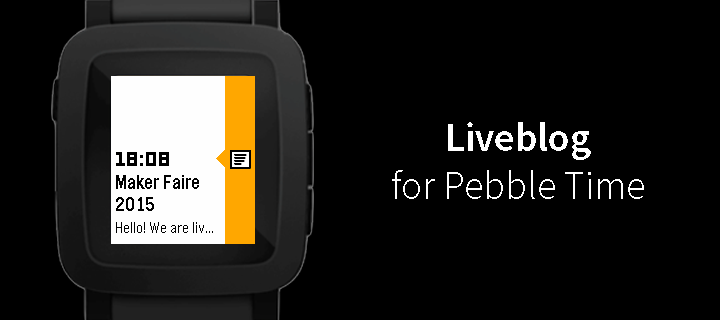
Watchapp

Description
Liveblog tracker for Pebble Time, utilizing the new Timeline functionality.

1. Before (or during) a live event, install the app on your Pebble Time.
2. Once the app is installed on your Pebble Time, open it. It should say "Subscribed".
3. Now, just wait for updates!
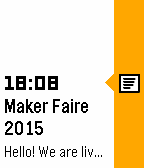
4. They will show up as past updates, so click the up button on the right side of your Pebble Time.
5. Only one card will be pushed for a live event, but it will update continuously.
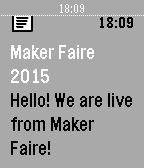
6. Click the middle button on your Pebble Time, and voila!
7. Tip: You can keep the card open on your Pebble Time, as it updates itself! Cool, right?
Because of Pebble Time's e-paper screen, keeping the display on won't drain your battery.

Open-Source on GitHub.
- DeveloperThomas Suarez · Is this you? Claim your app ›
- CategoryNotifications
- PlatformsTime/Time Steel, Time 2 (scaled)
- Updated2015-05-11
- Version1.0