Gridlock
Null Syntax
Watchface
Description
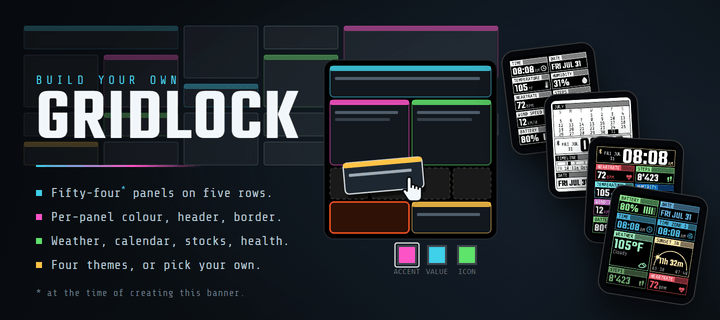
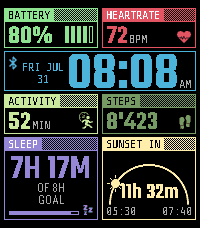
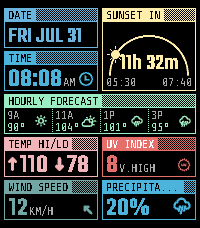
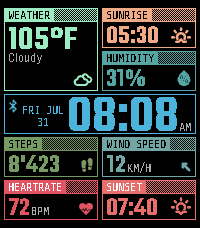
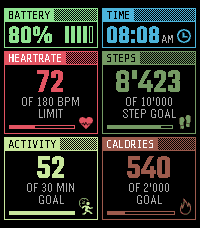
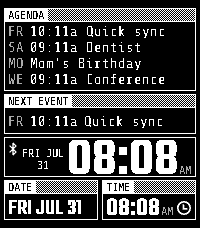
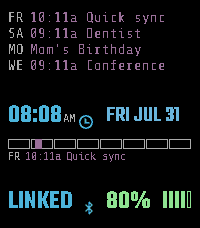
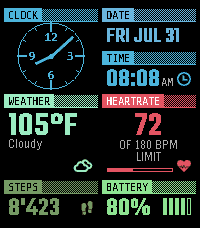
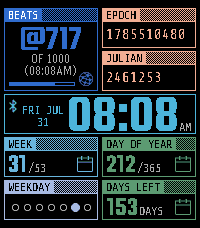
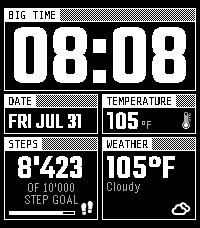
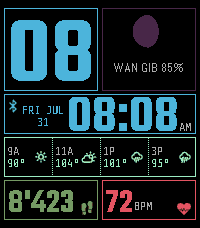
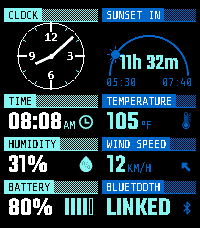
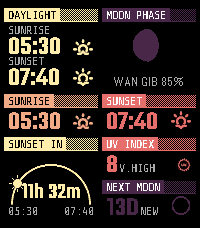
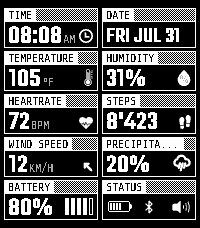
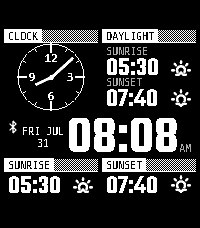
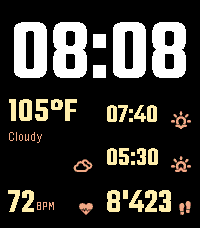
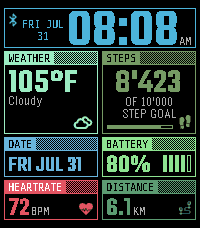
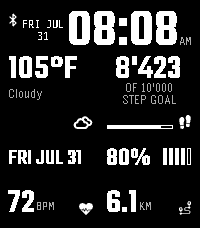
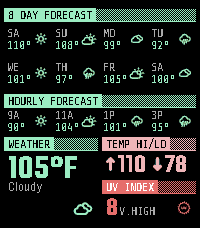
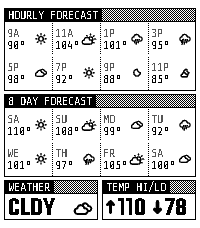
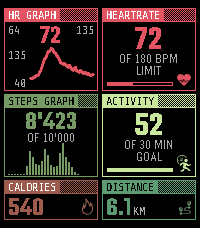
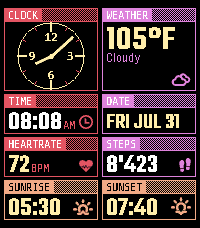
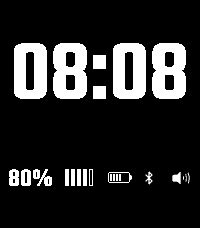
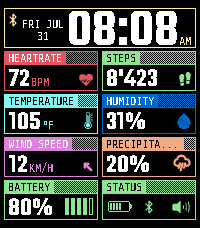
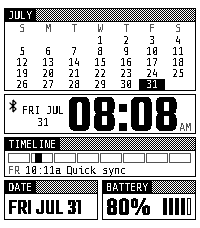
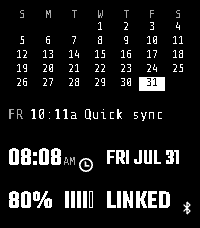
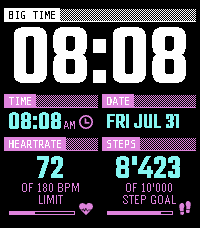
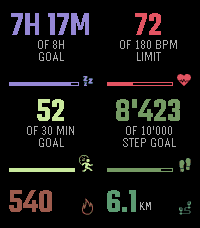
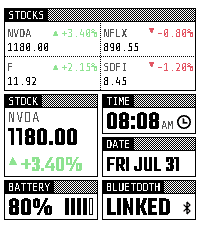
Gridlock is a fully configurable grid watchface designed for the Pebble Time 2.

🧩 Layout
- A grid engine with drag-and-drop editing, up to five rows, and both symmetric and asymmetric panel arrangements. One-tap presets get you started, and import/export lets you save and share a layout.
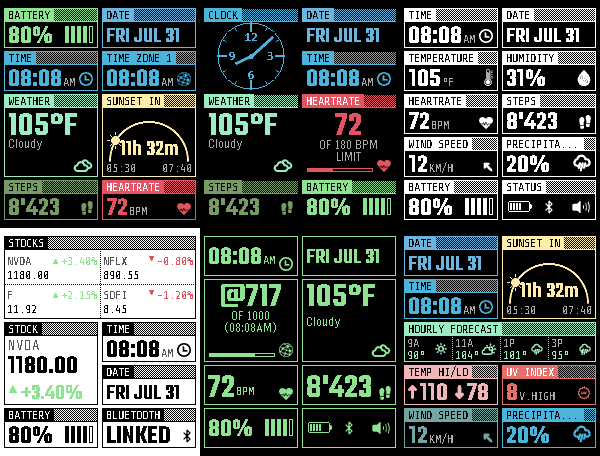
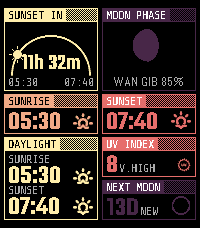
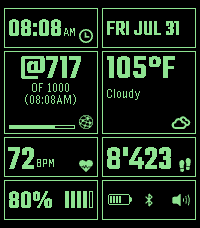
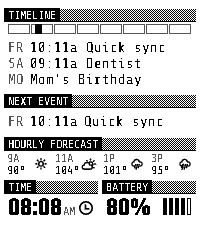
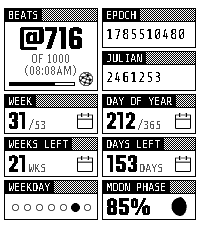
- A library of four layouts, all built in the same grid and reached from the tabs above it. Everything you place is kept as you go, so there is nothing to save by hand.
- Assign any two of them as your Day and Night screens. The watch swaps between the pair on its own, at the sunrise and sunset your weather provider reports or at times you set yourself.

🎨 Appearance
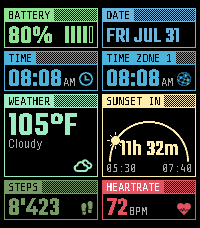
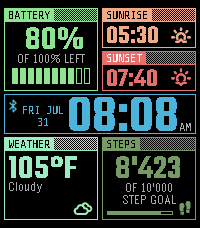
- Several colour themes, including Vibrant and two Mono looks, plus a Custom theme where you colour every module's header, value, icon, and caption yourself.
- Nine Analog Face dial styles and a choice of eight header fonts to set the tone of the whole face.
- Per-module control over borders and header strips, from bold panels to a clean frameless look, with bulk toggles to change them all at once.

🕐 Time
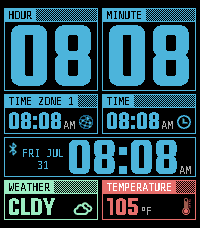
- Digital and analog time panels, plus an alternate time zone.
- Big Hour, Big Minutes, and a full-width Big Time panel with oversized readouts when you want the clock readable at a glance.

❤️ Health & Activity
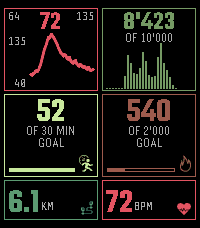
- Heart rate, steps, distance, calories, sleep, and activity panels, with graph panels for steps and recent heart rate.

⚙️ System
- At-a-glance panels for battery, Bluetooth connection, and Quiet Time status, or a single combined Status panel showing all three together.

📅 Calendar
- Connect any iCal (.ics) feed from Google, Apple iCloud, Outlook, or another provider. Feeds are parsed with ical.js, so recurring events, time zones, and cancelled or rescheduled exceptions all come through correctly.
- Next Event, Agenda, and Timeline panels in several sizes show what is coming up, with optional reminders at 15 minutes, 5 minutes, or on start that respect Quiet Time.

🗓️ Dates & Counters
- A month grid with today highlighted, plus Week Number, Weeks Left, Day of Year, and Days Left panels for keeping an eye on how the year is going.
- Weekday Dots, Julian Date, and a Unix Epoch panel, with a Week Starts On setting for Sunday or Monday.

🌤️ Weather
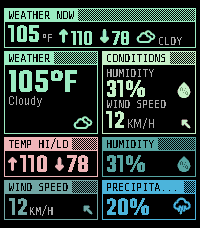
- A full suite: temperature, feels like, humidity, wind, pressure, dew point, UV index, high and low, precipitation chance, and hourly and daily forecast panels in several sizes.
- A day and night tracker counting down to the next sunrise or sunset, a Moon panel showing the current phase, and a Next Moon panel counting down to the next full or new moon.

📈 Markets
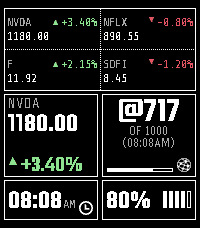
- A single-ticker Stock panel and a four-ticker Watchlist, using your own free Finnhub, Alpha Vantage, Yahoo, or Twelve Data key.

⏰ Extras
- A Goal Met Vibe that celebrates when you hit your steps, calories, distance, or active minutes target, with Short, Long, Double, five celebration rhythms, and a Custom pattern you can type in yourself.
- An hourly vibration option with None, Short, Long, and Double patterns, silent during Quiet Time.

-----

☕ Support

I mostly just build things in my spare time.

If you've found this useful or just enjoy what I'm building, you can support it here:

https://ko-fi.com/nullsyntax

Your support usually turns into more green coffee beans, which turns into roasting experiments, which turns into late-night coding sessions on watchfaces like this.
- DeveloperNull Syntax
- CategoryFaces
- PlatformsTime 2
- Updated2026-09-27
- Version1.5.0