Foreatium
Kieselleger
Watchface
Description
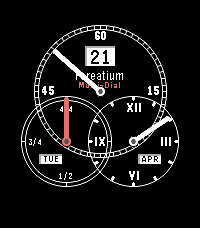
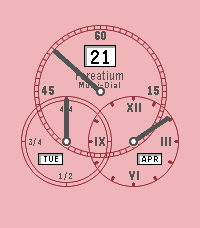
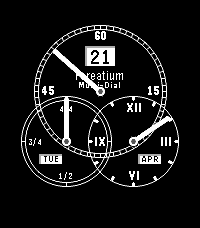
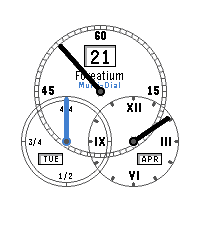
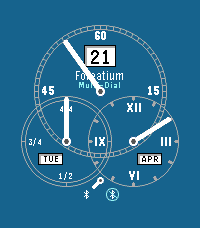
Track your activity with this stylish watchface. Configure either steps or activity time and set up your individual daily goal. The upper dial shows minutes and seconds (if enabled). At the bottom left you'll see your today's achievement from 0 to 100 percent and the battery charge (if enabled). The hour dial is at the bottom right. Switch bluetooth connection status on or off. The status is shown by another tiny dial pointing either to connected or disconnected icon at very bottom of the watchface. At last, choose from various different color styles. The second screenshot shows the watchface with all possible options enabled.
- DeveloperKieselleger
- CategoryFaces
- PlatformsOG Pebble, Steel, Time/Time Steel, Time Round, 2, 2 Duo, Time 2, Round 2
- Updated2026-04-21
- Version2.1