Flickery
SetPebble
Watchface

Description
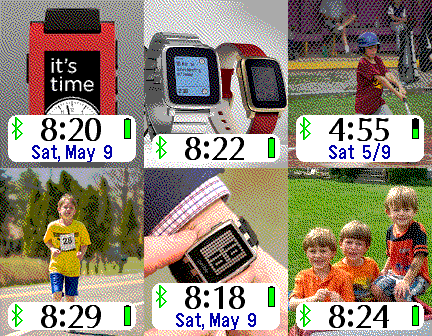
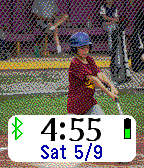
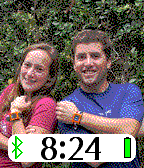
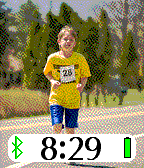
Display your Flickr photos on your Pebble. If you have a Flickr account, enter your Flickr screen name on your custom settings page, and all publicly-available images will be shuffled every few minutes onto your Pebble watch.

If you don't have a Flickr account, you will want one so you can put your favorite photos onto your Pebble.  You can see test pictures if you enter "SetPebble" as the Flickr user on the custom settings screen. No space characters are allowed in the screen name.

Your smart phone will get a workout if you set your apps to update every minute.  Frequent image updates will wear down your battery faster, but just throttle back the update interval to an hour and you can go days before recharging.
- DeveloperSetPebble
- CategoryFaces
- PlatformsOG Pebble, Steel, Time/Time Steel, Time Round, 2, 2 Duo, Time 2 (scaled), Round 2 (scaled)
- Updated2016-10-06
- Version3.5