 9
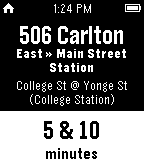
9Faster Than Walking
DailyThe best transit app for the Toronto Transit Commission
 9
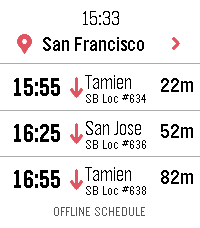
9Caltrain.app
DailyCatch the right Caltrain from your wrist. Features: • Upcoming departures in a fast, glanceable list • Live estimates and delay information • Train details and a scrollable route timeline • Touch gestures and equivalent hardware-button controls • Tailored layouts for Pebble Round 2 and Time 2 ONLINE With a phone connection, Caltrain.app can use a one-time location lookup to select the nearest station. You can also choose and remember a preferred station. OFFLINE When your phone or internet is unavailable, the app retains useful live results and falls back to a compact schedule stored directly on the watch. Scheduled information is clearly distinguished from real-time data. PRIVACY No accounts, ads, analytics, or background location tracking. Unofficial community app. Not affiliated with or endorsed by Caltrain.
 9
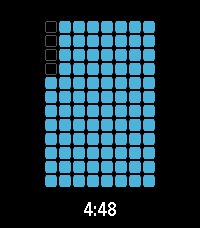
9ripple
Tools & Utilitiesa timer application with a number of visualization options
 9
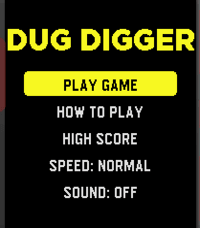
9Dug Digger
GamesThis is a re-imagining of the game Dig Dug. The metal grinding plate at the top keeps approaching........can you keep digging, collecting coins, killing enemies and escape the ever approaching doom? Good luck! It's a first release, so feel free to give it a try! It will be improved going forward.
 9
9Pushup Reminder
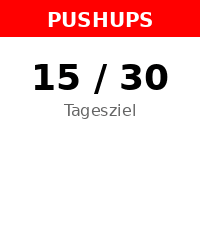
Health & FitnessA 100% Vibe Coding Project - built entirely with AI! 🤖 Get stronger every day right from your wrist! Pebble Pushups is your ultimate personal trainer for the Pebble Smartwatch. Whether you are stuck at a desk or working from home, this app ensures you stay active by gently reminding you to knock out a set of pushups at custom intervals. Features: 📈 Adaptive Daily Goals: The app intelligently learns from your performance! Crush your goals to trigger an 'Overload' day with a higher target, or get a 'Deload/Recovery' day if you need a break. You can always override the target manually! ⏰ Smart Reminders: Set your active time window and reminder intervals. The app uses the reliable Pebble Wakeup API so it doesn't drain your battery while waiting in the background. ⚡ Quick Log: Easily and reliably log your completed pushups with a few clicks. Your daily count is tracked seamlessly. 📊 Smartphone Dashboard: Dive into your workout history! Check out a beautiful 14-day performance chart right inside the Pebble app settings on your phone, and export your data as CSV. 🌐 Fully Offline & Bilingual: No cloud dependencies! The settings menu renders completely offline. Available in English and German. Transform your daily routine and build healthy habits—one pushup at a time!
 9
9Klotski
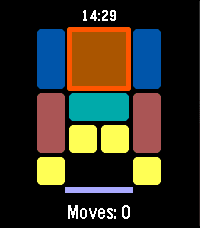
GamesKLOTSKI A classic sliding block puzzle for your wrist. Slide the blocks, clear the path, and escape the largest piece through the exit — in as few moves as possible. This app uses the most famous of the traditional Huarong Dao (Klotski) layouts, known as "Heng Dao Li Ma" (横刀立马) — the classic "Escape Cao Cao" puzzle. Its shortest known solution takes 81 moves. FEATURES Classic 4x5 Huarong Dao / Klotski board layout Button-only controls, no touch required Move counter tracks your progress Score based on move efficiency (closer to the optimal 81 moves = higher score) High score saved on your watch Quit confirmation so you don't lose progress by accident CONTROLS UP / DOWN: Cycle through pieces SELECT (short press): Select a piece, then cycle through move directions (Up, Right, Down, Left) SELECT (long press): Execute the move in the selected direction BACK: Cancel selection / confirm quit to title GOAL Move the large 2x2 block down to the exit at the bottom of the board. The fewer moves you use, the higher your score. Version 1.1.5
 9
9SQL Episode 1
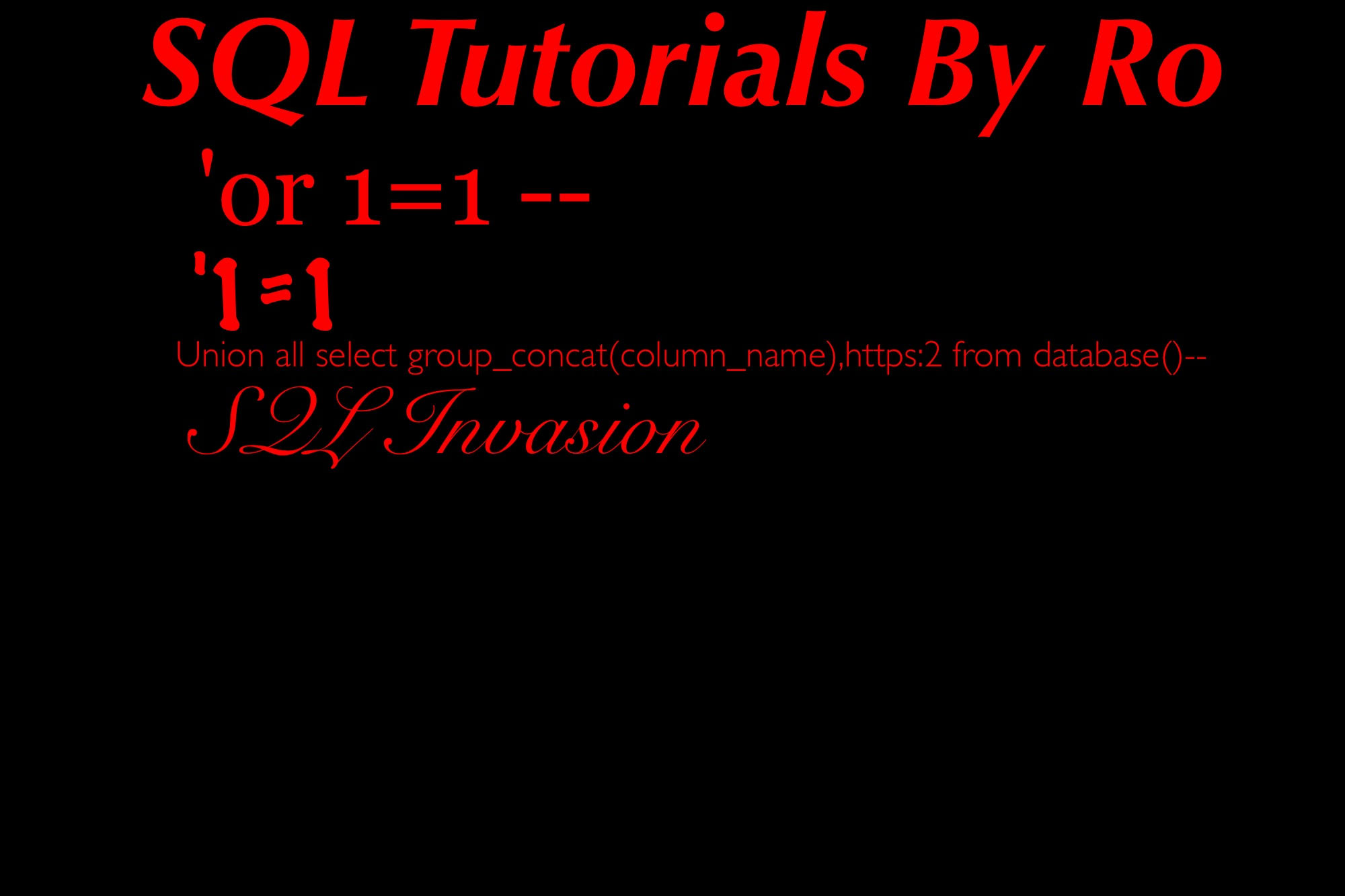
GamesWe here at SavageO would like to present to you: SQL hacking Episode 1 This is a very basic and important understanding of SQL Injection coding that covers small important things! Its like an article with information so it is a little long and for all the set forward people: YES IT DOES CONTAIN HOW TO HACK SOMETHINGS! How ever, DISCLAIMER: WE HERE AT SAVAGEO DO NOT PROMOTE THE USE OF SQL HACKING OR ANY TYPE OF HACKING FOR ILLEGAL OR UNJUST PURPOSES! PLEASE USE THIS INFORMATION RESPONSIBLY AT YOUR OWN DIGRESSION AND SAVAGEO, RUSSIAN OTTER, AND PEBBLE ARE NOT RESPONSIBLE FOR ANY ACTIONS YOU MAY OR MAY NOT TAKE! tags: hacking terminal SQL injection code coding color menu app game information article usefull
 9
9BrewSession
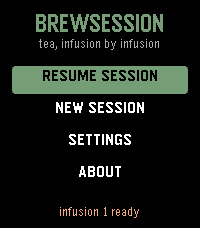
Tools & UtilitiesA tea timer that knows which infusion you're on. Set a custom steep time as fast as the stock timer - no tea database, no menu asking which infusion this is. Hit Start and pour during the felt countdown: a tick on your wrist each second, one long buzz at "go." When the steep ends the watch buzzes until you shake it off. Come back for round two and the app already knows - "Infusion 2" is waiting with its time computed. The per-infusion increment is asked for exactly once, and only when you commit to a second infusion. If you never brew one, you're never asked. Steeping shorter as you go? Negative increments are first-class. * Recents are the presets: your last sessions, one press to rebrew * The on-screen teacup fills with tea as the steep runs * Skip infusions, adjust a running steep +/-5s, abandon with a long press * The alarm survives the app being closed - a scheduled wakeup relaunches it at the right moment * Hand-drawn tabular digits, so the countdown never shimmies * Touch on Pebble Time 2: drag the picker wheel, tap to start, tap to dismiss - and every button still does what it always did * A setting to open straight into your brew session No phone connection needed after install.
 9
9TickTick Timeline
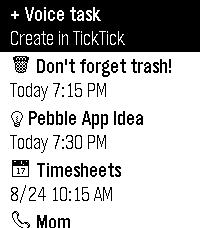
DailyUnofficial TickTick integration for the Pebble Watch. This app is not affiliated with the official TickTick team. This is a community project because I love Pebble and I love TickTick! Key features: - Sync tasks from TickTick to the Pebble Timeline - Create tasks with Pebble Voice Dictation - Take basic actions on tasks Known limitation: At the moment, the app doesn’t have a companion app, so you need to open the TickTickTimeline watch app to sync tasks from TickTick. Setup (MUST-DO): 1. Install this app. 2. Go to the app settings in the Pebble mobile app. 3. Enter your TickTick API key. How to get your TickTick API key: 1. Open TickTick in a web browser (this only works on the web version). 2. Click your profile picture and go to Settings. 3. In the Account tab, next to API Keys, click Manage. 4. Click Add New Key. 5. Name it whatever you like, such as "Pebble" and click Add. 6. You should see the API key, partially hidden. Click the Copy button. 7. Paste the key into the TickTickTimeline settings page. Disclaimer: This app is 99% vibe-coded, so there might be a few bugs here and there. But this project is free and open source, so there's that.
 9
9GPS Memo
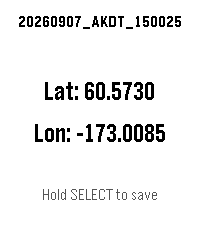
Tools & UtilitiesSave a GPS coordinate with a timestamp, right from your wrist. GPS Memo shows your current latitude and longitude on screen — hold the SELECT button to log an entry with the exact time down to the second. Review or clear your saved entries anytime from the app's settings page on your phone. Simple, offline-first location logging — no accounts, no cloud sync, just your watch and your data. Built with the help of AI. Tested on hardware on: - Pebble Time 2 - Android (OxygenOS 16.0.05) - iOS (Xs Max, 18.7.5) (last tested 260908)
 9
9Clock Dude
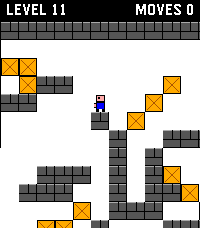
GamesThis is a Time 2 / Round 2 touch-input port of Block Dude, a block-pushing puzzle game written by Brandon Sterner for the TI-83 in 1999, and the reason many of us failed Calculus. The eleven levels included here are his original designs. You are stuck in a walled maze with a door somewhere in it. You can walk, climb a single step, and carry one crate at a time. Getting out means stacking crates into stairs, and the crates you need are rarely where you want them. This port was made from Block Dude CE, the TI-84 Plus CE version by Shaun McFall of Merthsoft Creations, whose non-asset code is released under the Unlicense. For full attribution, credits, and license info, please see the project's github repo.
 9
9Homey Flows
Tools & UtilitiesTrigger your Homey flows directly from your Pebble Time 2, no phone needed once configured. Browse up to 5 customizable flow shortcuts on your wrist and fire them instantly with a single button press. Perfect for triggering lights, locks, thermostats, scenes, or any automation you've set up in Homey. 1. Find your Homey Cloud ID Open the Homey app → Settings → General → scroll down to find your Cloud ID (a long alphanumeric string). 2. Create webhook-triggered flows in Homey In the Homey Flow editor, create flows with a "When a webhook is received" trigger card. The webhook names must be exactly: pebble_flow_1 pebble_flow_2 pebble_flow_3 pebble_flow_4 pebble_flow_5 Use only the ones you need, unused slots can be disabled in the app settings. 3. Configure the Pebble app Open the Pebble app on your phone → find Homey Flow Trigger → tap the Settings gear. Enter your Cloud ID and configure each flow slot: give it a display name, pick a background color, and toggle it on or off. Tap Save, your watch will update immediately. 4. Use it Press Up/Down on your Pebble to scroll between flows. Press Select to trigger the selected flow. The watch shows the name of the last trigger time and confirms each request.
 9
9IP Cam Alarm
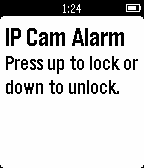
RemotesIP Cam Alarm toggles your Foscam's email alarm setting, effectively "arming" the alarm. Email and alarm settings need to be set up through your Foscam control panel.
 9
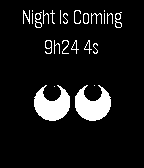
9Night is Coming
DailyWant to take some air, but you wonder how much time is left before sunset? Night is Coming lets you know, anywhere in the world, in how long it will be night.
 9
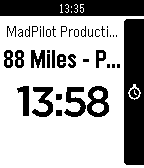
988 miles
Tools & Utilities88 Miles is a simple time tracking application. Using your Pebble watch app, you can punch in to your 88 Miles projects from your wrist! Keep track of your time where ever you are.