 56
56Vertical Health
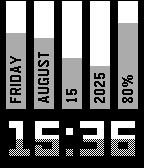
FacesUnique watchface design, showing - day of the week - month - date - year - battery percentage in vertical columns, plus time in large digits. Progress bars show time advancements, and battery discharge. Tap on the watch to see health metrics* - step count - distance walked - calories burned - time active - heart rate Each metric shows progress toward the goal (except heart rate, which is percentage of 250, don't try to reach it) which is average of your achievements from prior days. Large white time also show time progress thru the day as they're gradually filled with gray. Configurable options include - Whether to show time progress by filling numbers with gray - Timeout to automatically return to main screen from health screen *not applicable to original Pebble, and Pebble Steel.
 893
893CobbleStyle 2
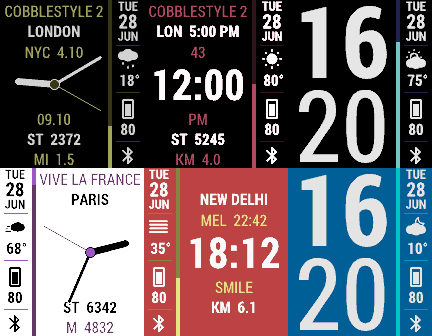
FacesDesign and Art Direction by Paul Joel - www.pauljoel.com CobbleStyle is back! This time with THREE modes to display the time: analog, digital or BIG TIME! With complete customization on what information you want displayed. With pre-designed color sets and complete color customization. Make CobbleStyle 2 how you want it! Key features: - Three Ways to display the time: Analog, digital, or BIG TIME! - Multi-language support - Anti-aliasing text and graphics. - Date / Weather / Bluetooth connection. - GPS Location. - Week number. - Local time. - Alternative timezones. - AM/PM. - Seconds counter. - Pre-designed color sets. - Custom colors. - Custom text. - Backlight when charging option. - Bluetooth alert options. - Weather provided by Open Weather Map INFO ON API KEYS: http://tinyurl.com/weapi Health Info: - Step Count - Live step goal bar. - Custom step goal. - Distance Walked - Time Active - Calories burned at rest - Calories burned while active - Heart rate (if supported by the watch)
 497
497Future Time
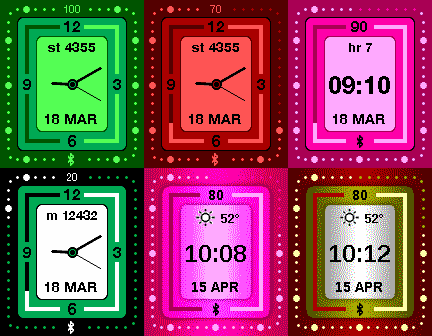
FacesThis is the face of the future. Two faces actually - because you get both analog and digital face - and it's up to you which one to use. You also get eight predefined color themes as well as ability to set each color individually. This face also provides weather and fitness tracking at your fingertips. And it just looks cool. Key features: - Digital or Analog face type selection - Multiple color themes as well as custom color settings (or you can leave it on auto and the color will depend on battery level) - Weather (powered by Forecast.io), Step Counter, Distance Walked, Sleep Hours - Bluetooth Connect/Disconnect alert of configurable intensity with visual clue - Battery level represented by percentage number as well as visually by outer perimeter of dots (also by watchface color - if in auto color mode). - Visual step goals Design by Paul Joel https://www.pauljoel.com
 605
605Cobblestyle
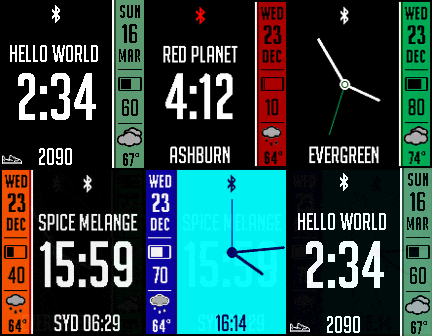
FacesDesign and Art Direction by Paul Joel - www.pauljoel.com Flexible stylish watchface featuring date, battery info and weather. You can select between analog or digital main clock. Secondary info includes current location (city/town), local digital time or time from a different time zone. Color of the sidebar and second hand represent battery health - green, orange, red - or all the colors can be custom configured. Other configurable options include: - Step counter from Pebble Health - Bluetooth disconnect alert in variable vibe strengths - Separator between hours and minutes - dot or colon - Temperature format - C or F - Weather update interval - Sidebar location (left/right) - Custom colors You will need to get free key for weather services at https://developer.forecast.io - this is one time procedure.
 104
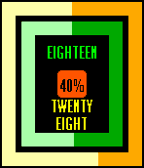
104Shapes of Time
FacesCombination of Concetricity & Text watchfaces - Inner rectangle represent approximate location of analog hour hand - Outer rectangle represent approximate location of analog minute hand - Central rectangle shows battery state
 956
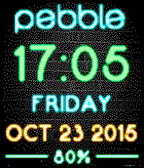
956Brick Neon
FacesDesign and Art Direction by Paul Joel - www.pauljoel.com Simple and straightforward watchface with multi-language support. Featuring time, date, day of the week and battery percentage (on Pebble Time rendered in colorful neon effect). Configurable options include: - Time format - Date format - Vibe on Bluetooth connect/disconnect - Language selection Pebble logo on top is a Bluetooth indicator, it disappears on Bluetooth disconnect.
 35
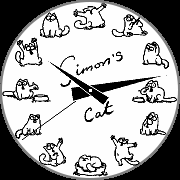
35Simon's Cat's Day
FacesEverybody's favorite cat as he goes thru his busy, very busy day.
 3.3K
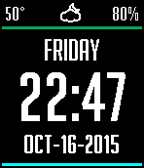
3.3KClean & Smart
FacesDesign and Art Direction by Paul Joel - www.pauljoel.com Simple and clean watchface featuring large date and time as well as current temperature and weather condition. Battery percentage represented both by number and color of the top line. Bottom line indicates Bluetooth connection, it disappears upon Bluetooth disconnect. Configurable option include date, time and temperature format as well as vibe on Bluetooth disconnect and color inversion. Multi-language support.
 262
262Nag for Pebble
Health & Fitness- This app once launched will exit immediately after config so you can continue to use other apps and faces. But it will buzz your Pebble (by default) every hour. Use it to remind yourself, for example, to stand up and take a quick walk or simple add hourly buzz if your current watchface doesn't support it. - It doesn't take Activity tracker place so use MisFit or other background apps to your heart desire. - It doesn't have any user interface (besides initial message) so it doesn't interrupt your current activity. It just buzzes. - Configurable options include: * Buzz intensity (Short, Long, Double) - also themes from: - Super Mario - TMNT - Voltron - Final Fantasy - Star Wars - Power Rangers - James Bond - Mortal Combat - (Vibe themes by Gearside: https://gearside.com/custom-vibration-patterns-mobile-devices) * Buzz interval (from 1 to 120 minutes) * When to start interval (immediately, on exact hour change, half-hour change, 15-min change) - You can suspend it by setting Buzz intensity to "Disabled" - For $0.99 you can unlock "Quiet Time" and have peaceful night (more premium features to come). 54
54Shadow Analog
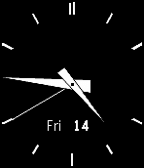
Faces- Simple analog watchface with shadow effect.
 62
62Ticking Analog
FacesAt first glance this looks like classic stock analog face. But bring it to your ear and listen carefully... DISCLAMER 1: 99% code for this watchface is original Katharine Berry's "Simple Analog". I simple made it tick :) DISCLAMER 2: It's probably not a good idea to keep it running for a very long time.
 423
423Vortex
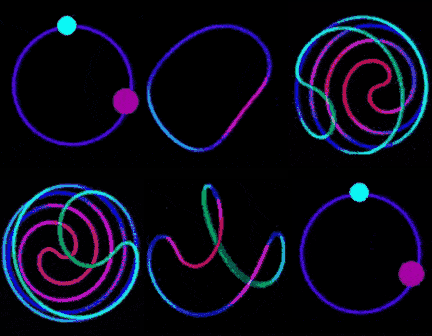
FacesMinimalistic analog watchface with Vortex animation on every minute. Configurable options include - Bluetooth alert buzz strength - Show Digital time - Show Battery indicator - Show Date - Show Day of the Week - Show Seconds - Disable minute animation Or reset everything and go back to original minimalistic look! (Keep in mind that constant animation may take a toll on your battery. For longer lasting battery disable animation. For longest lasting battery disable seconds display as well)
 34
34Neon
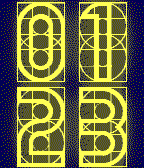
FacesDigital watchface in dark neon lights. Created with Watchface Generator -- Looks a lot better on Pebble Time.
 18
18Cracked
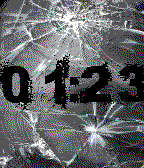
FacesOh noes! I cracked my Gorilla Glass! (looks more realistic on Pebble Time)
 10
10Wear Man
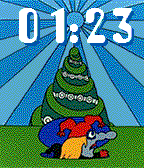
FacesHe is a real wear man From the secret music box. (looks better in color, honest)
 30
30Dark Time
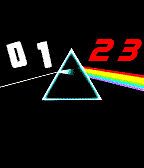
FacesJust an optical physics effect, I call it "Bright spot on the Sun". Looks better in color, honest.
 135
135Fireplace
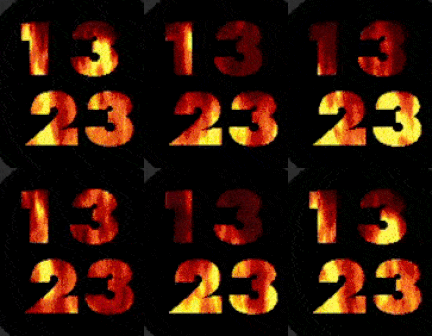
Faces- Imagine fireplace crackling on your Pebble Time - There's a chance that it's not battery-friendly.
 25
25Vertical v2
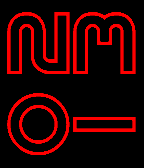
FacesLarge time where each digit rotated 90 degrees (example screenshot shows 01:23) This watchface was made with Watchface Generator v3, demonstrating custom fonts
 148
148Starry
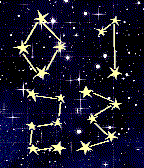
FacesTime in form of a constellation with the background of starry sky. Made with v3 of Watchface Generator
 151
151Long Shadow
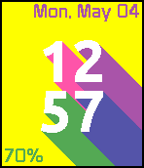
Faces- Featuring large time with long shadows - Date and day of the week - Battery info - User-adjustable shadow direction (Made with EffectLayer https://github.com/ygalanter/EffectLayer)