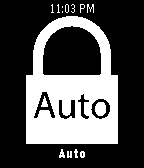
Control the lock screen of your device right from your Pebble. Set your phone or tablet's lock screen to locked, unlocked or automatic.

When set to automatic, Dislock will control the lock screen based on your Pebble's connection and will lock your device when your Pebble disconnects.

(In-app purchases for some features)