Hunt down nearby Pokemon!

See directions to Pokemon around you, get notified when new ones pop up, and represent your team!

Check out the settings page to customise your team and change your notification & filter settings.

In the app, use the up and down buttons to scroll through pokemon, and the select button to pin and unpin. Hold select to dismiss a Pokemon, and hold up and down to change the priority.

Shake your wrist to toggle between pokemon location, name, and current time.

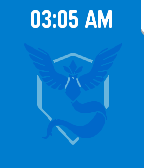
If no pokemon are nearby matching your filters, will show your team colours. Check out PokeWatch for the watchface version of this app, sans scrolling.

PTR/OG Pebble support coming soon. See https://github.com/tetrapus/PoGoPebble/releases for pre-release builds for those platforms.

Suggestions, patches and bug reports very welcome!
 149
149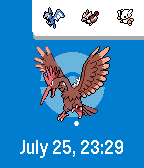 125
125