511NY
SetPebble
Watchapp
Description
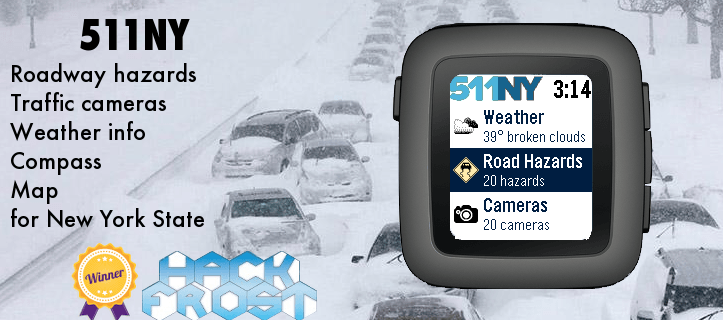
The 511NY app displays weather and traffic information to help you navigate the roadways of New York State.

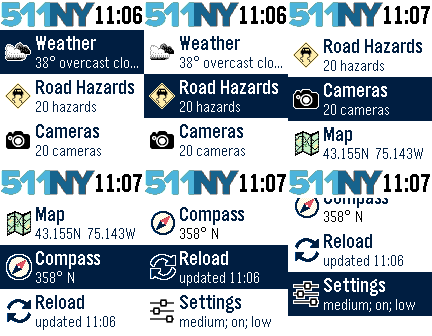
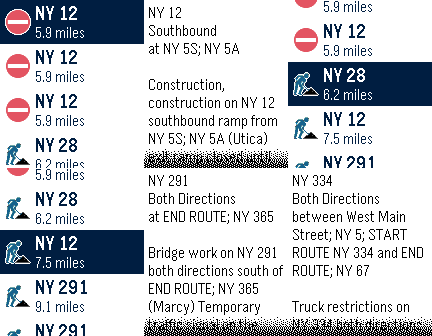
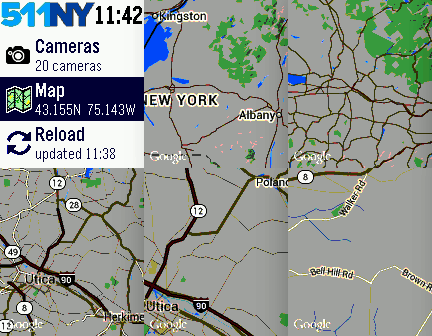
When launched, you can view your local weather by selecting the first menu item. The closest recorded road hazards are displayed when you choose the Road Hazards item. The roadway hazard list is sorted by distance from your location. Your location is based on your smart phone GPS, so make sure Location Services are enabled for your Pebble Time smart phone app.

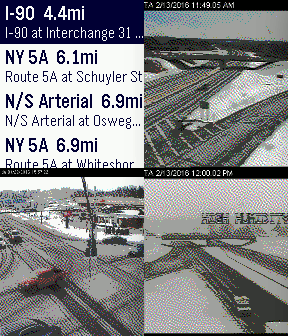
A list of traffic cameras is next in the main menu, also sorted based on your location. When viewing a traffic cam, the UP button displays the camera name, the MIDDLE button refreshes the camera image, and the DOWN button displays the distance to the camera.

The Compass and Map features are next. The compass may need you to rotate your Pebble in a figure eight motion a few times for calibration. When viewing the map, use the UP and DOWN buttons for zooming, and the MIDDLE button to refresh your location.

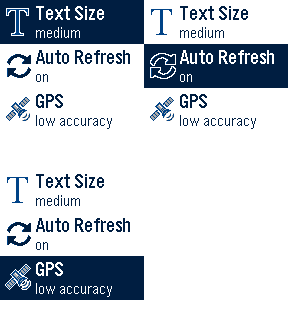
There are custom settings for text size, automated reloading of information, and GPS accuracy.

This app was originally created for the DevPost HackFrost competition in February, 2016.
- DeveloperSetPebble
- CategoryDaily
- PlatformsOG Pebble, Steel, Time/Time Steel, Time Round, 2, 2 Duo, Time 2 (scaled), Round 2 (scaled)
- Updated2016-09-23
- Version1.5